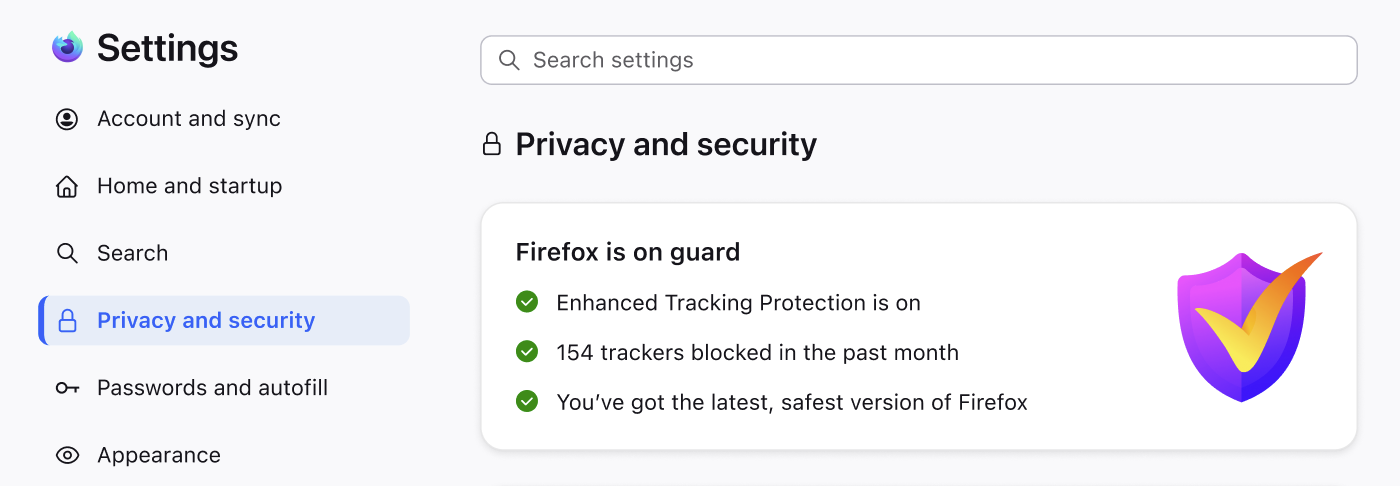
The redesign of Firefox Settings is now enabled by default in Nightly! With this change, we are making it easier for people to customize Firefox and discover the controls that matter most to them. The redesign improves navigation and organization, updates labels and descriptions, and uses a new underlying architecture that will make Settings easier to update over time.
Firefox Settings have grown a lot over the years. Our research showed that some areas had become crowded and more difficult to navigate, and that important controls could be hard to discover. Some terminology and layouts had also become inconsistent over time. Internally, the existing structure also made Settings harder to maintain and evolve over time.
Here are some of the changes you’ll notice:
- More pages within Settings, with less content per page
- Clearer grouping and better flow between related controls
- Improved labels and helper text
- Consistent use of our design system throughout
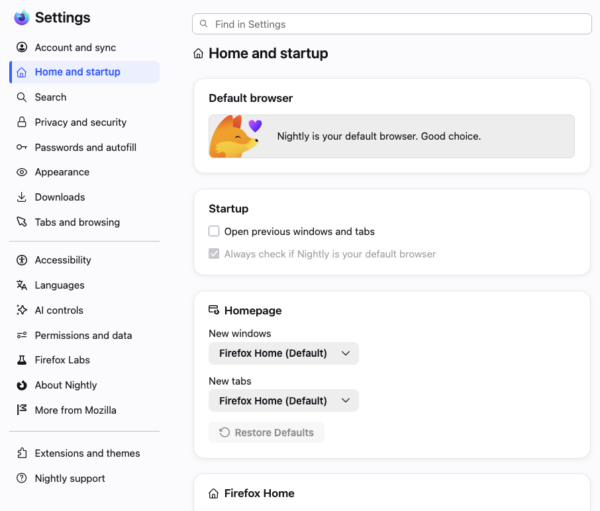
The new Settings navigation and layout
While the organization of Settings has changed, all your existing choices and preferences remain in place. You can always use the search bar to jump straight to what you’re looking for.
We plan to ship the redesign to the Release channel in Firefox 152. You will continue to see changes in Nightly, and we welcome feedback, especially in Mozilla Connect.
Customization has long been a core part of Firefox, and this redesign is intended to continue improving how people discover and manage their browser settings. We appreciate all of the feedback from the community so far on this project and look forward to refining the experience with your input!
No comments yet
Post a comment